
File Formats
Export your images in the format that works best for your project.
PixelLift supports six export formats. You can set a format for all images at once or control it per image individually.
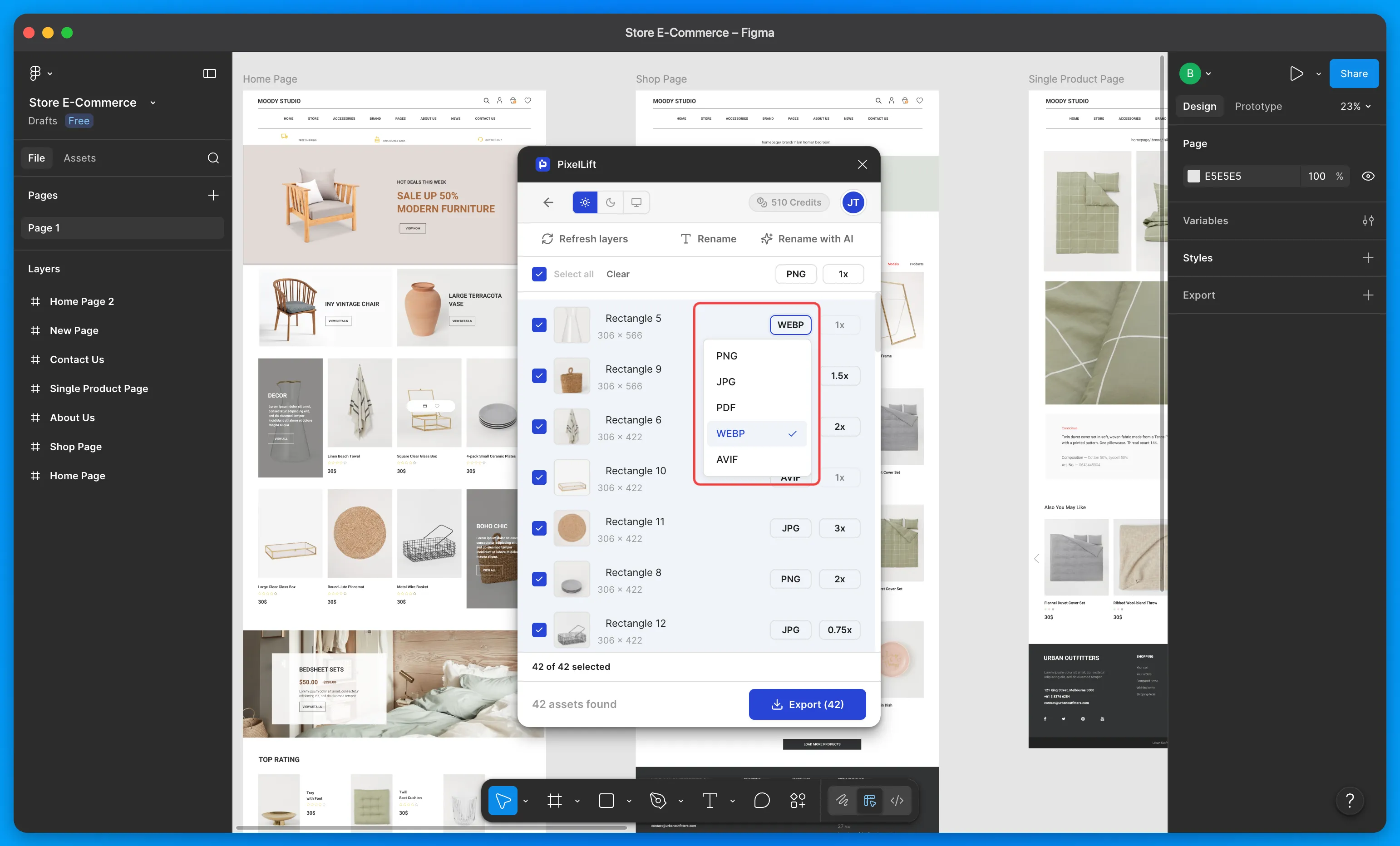
Supported Formats
| Format | Best For |
|---|---|
| PNG | Images that need transparency or sharp edges |
| JPG | Photos and images where smaller file size matters |
| SVG | Vector graphics and icons |
| Print ready assets and documents | |
| WebP | Web images with smaller file size and no quality loss |
| AVIF | Web images with the best compression available today |
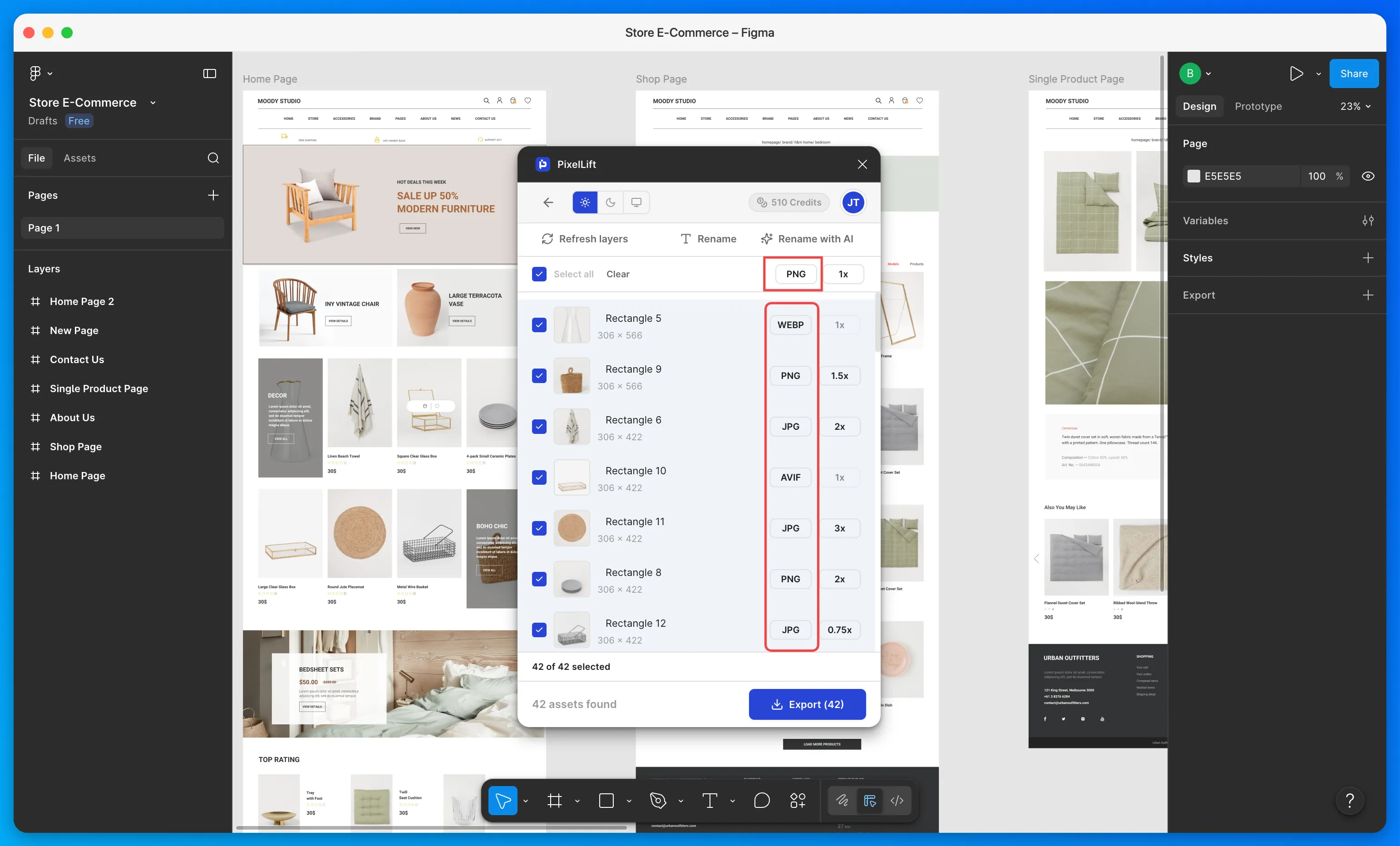
Set a Universal Format
Use the format dropdown at the top of the plugin to set one format for all images in your export. This does not override individual format settings already applied to specific images.
Set Format Per Image
Each image in the list shows its current format. Click on it to change the format for that image only.
WebP and AVIF can reduce your file size significantly compared to PNG and JPG with no visible quality loss. If you are exporting for web, these are the recommended formats.
Related Features
Was this page helpful?