
Logging In
How to activate your account and log in to PixelLift inside Figma.
After choosing a plan on the pricing page, follow these steps to activate your account and log in inside the plugin.
Activate Your Account
- Go to pixellift.io/pricing and choose a plan
- Complete the checkout using your email address
- Check your inbox for a confirmation email from PixelLift
- Click the Reset Password link in the email
- Set your password - your account is now active at store.pixellift.io
Log In Inside the Plugin
Once your account is active:
- Open PixelLift in Figma
- Click the user icon in the top right corner of the plugin
- Enter the email and password you used during checkout
- Click Login
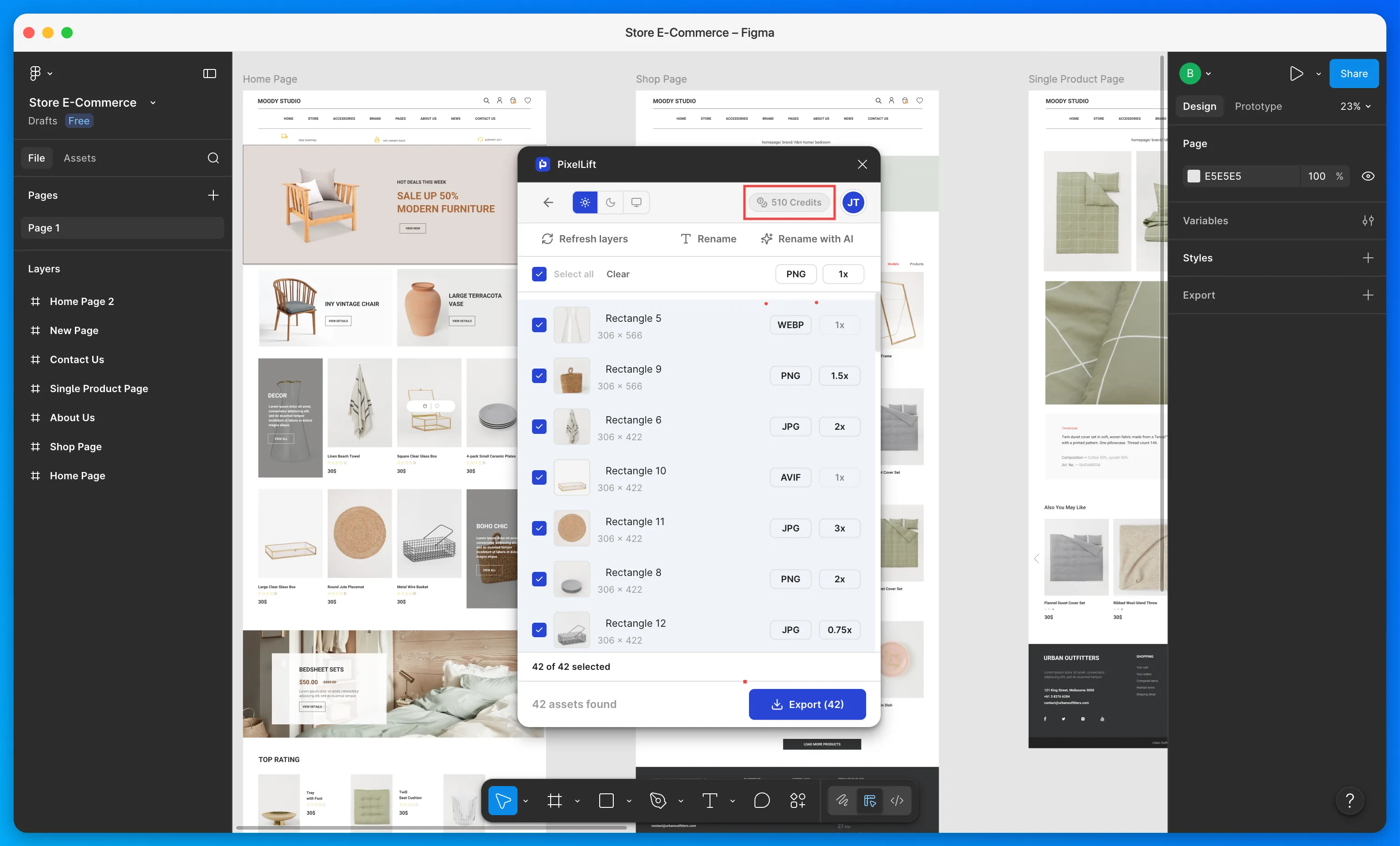
Your credits are added to your account immediately and you are ready to export.
Use the same email address you used when purchasing your plan. If you do not receive the confirmation email, check your spam folder.
Was this page helpful?